
Search Shortcut cmd + k | ctrl + k
- Installation
- Documentation
- Overview
- First steps
- Fundamentals
- Commands
- Overview
- Image processing
- Color filter
- Blur
- Intensity
- Rolling ball
- Median subtract
- Edge detection
- Image math
- Image cache
- Enhance contrast
- Rank filter
- Binary image processing
- Classification
- Object processing
- Measurement
- Filtering
- Machine learning
- Command Line Interface
- Tutorials
- Overview
- Pipeline Setup Guide
- EVAnalyzer
- Advanced
- Technical insights
- Development
- About ImageC
- Citation
- FAQ
- Support
- Sitemap
Documentation
/ Commands
/ Object processing
Save control image
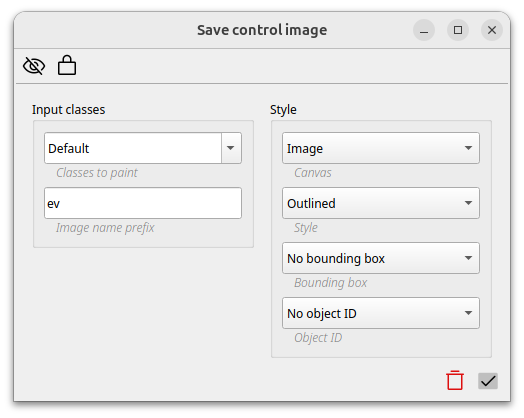
The save control image allows to save an image with the given objects as overlay at any step within the pipeline. Control images can help to debug or verify the pipelines steps and allow a better understanding of the processing steps.
Take in mind that storing control images may reduce the speed of pipelines execution.