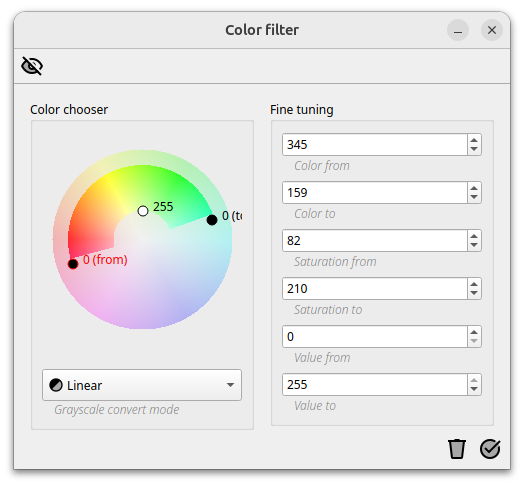
If the input image is an RGB 8-bit color image, the color image must first be converted to a grey scale image. This conversion is done by the color filter command. With this filter it is possible to define the color range containing the region of interests. For each region of interest in a different color to extract a separate pipeline with a separate color filter must be created.
The resulting image is a gray scale image showing only the image regions filtered by the selected color range. In a next step further image processing steps can be applied.
For color images, three values are stored per pixel, which contain the color information. The RGB-format is one widely used format used to store these color information. RGB stores information about the red, green and blue parts of an image and is based on how the human eye perceives color. The superimposition of these color components leads to our perception of color.
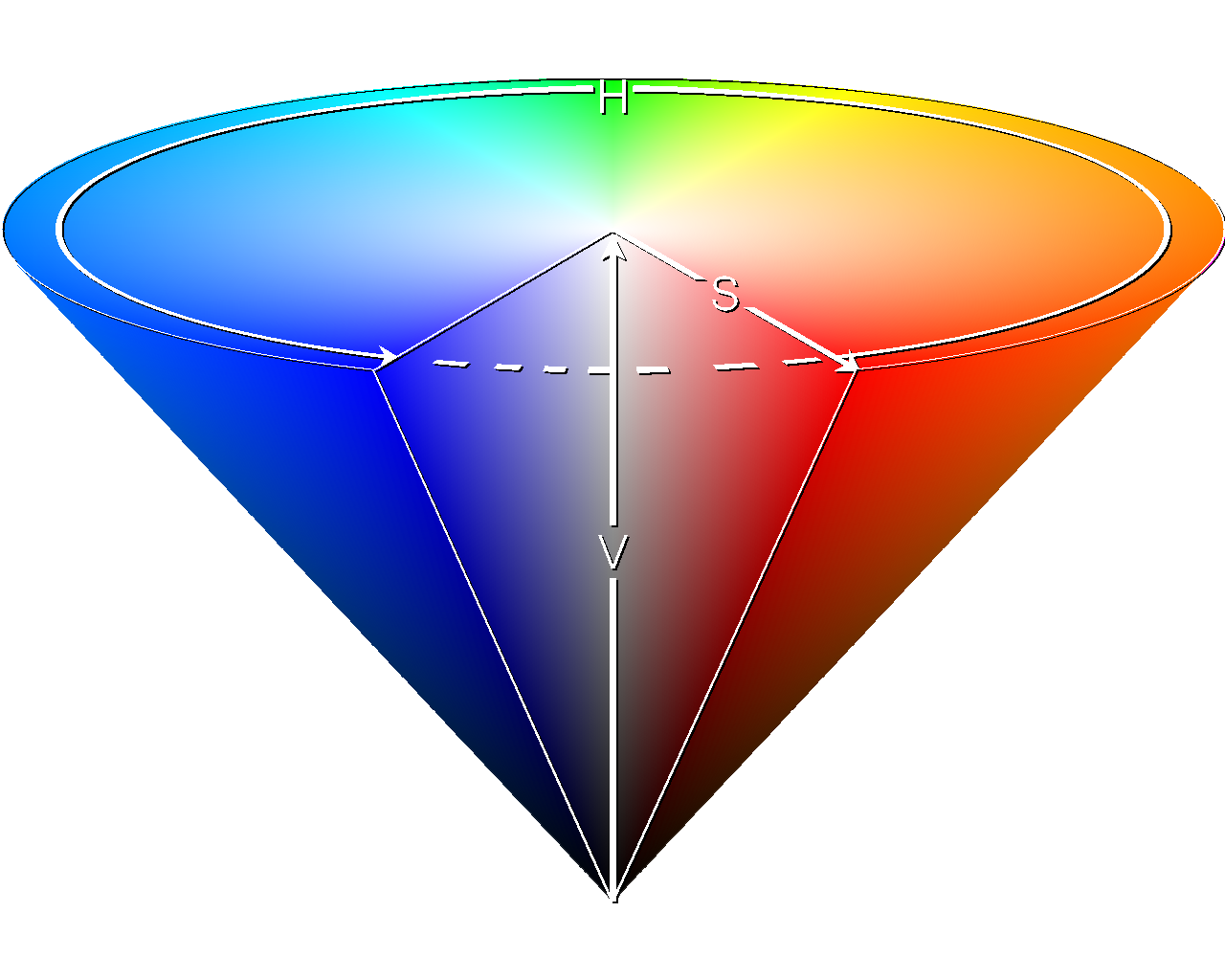
In the RGB color space, it is easy to create a color tone that is correct for human perception, but working with color ranges is difficult. A better suited format for working with color ranges is the HSV format. Instead of storing the color information using red, green, blue, in HSV format a color is defined by its color tone (hue), its saturation and its brightness (value).
Using HSV allows more easy to filter e.g. all blue tones from an image. ImageC is using HSV color format for that reason when working with colored images.
Wikipedia: https://de.wikipedia.org/wiki/HSV-Farbraum#/media/Datei:HSV_cone.png